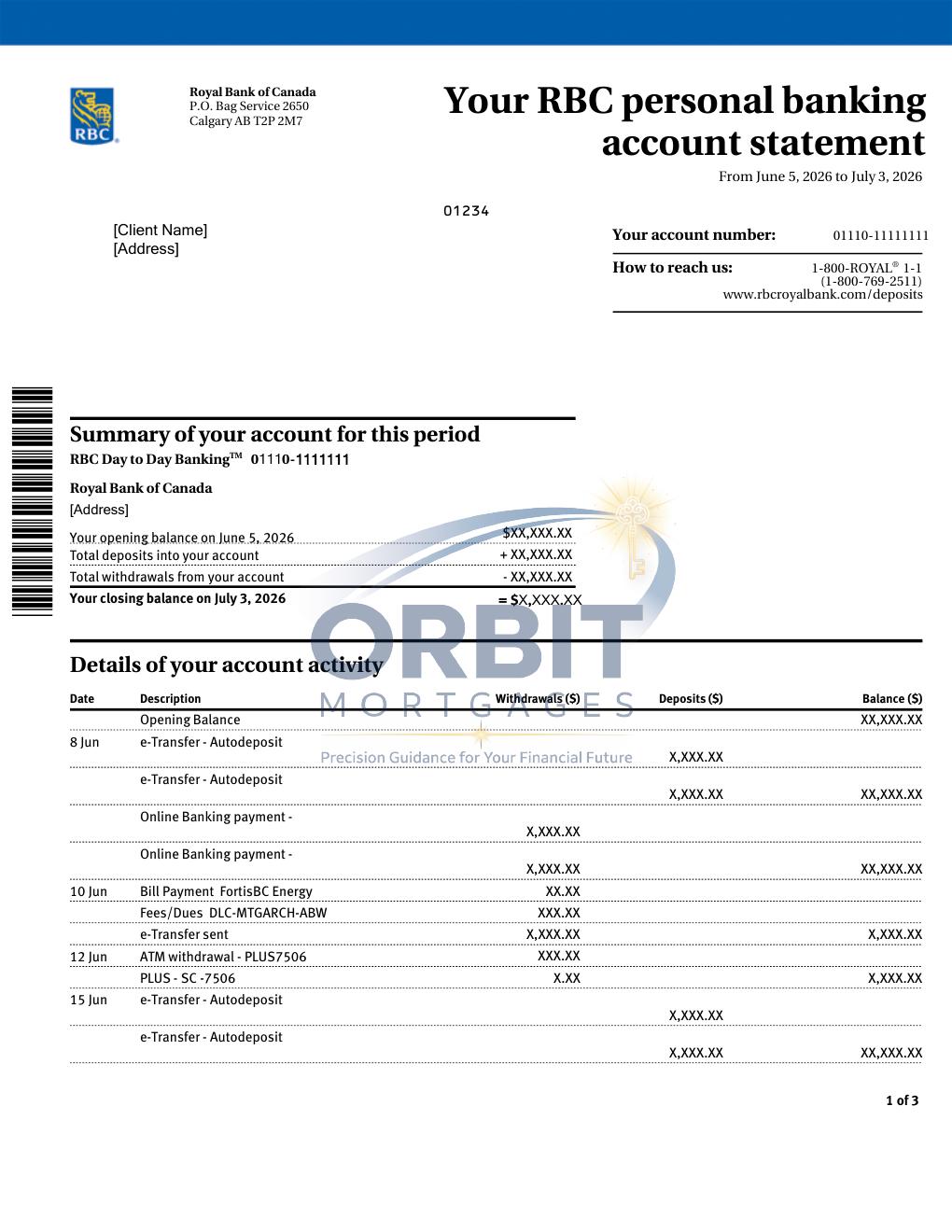
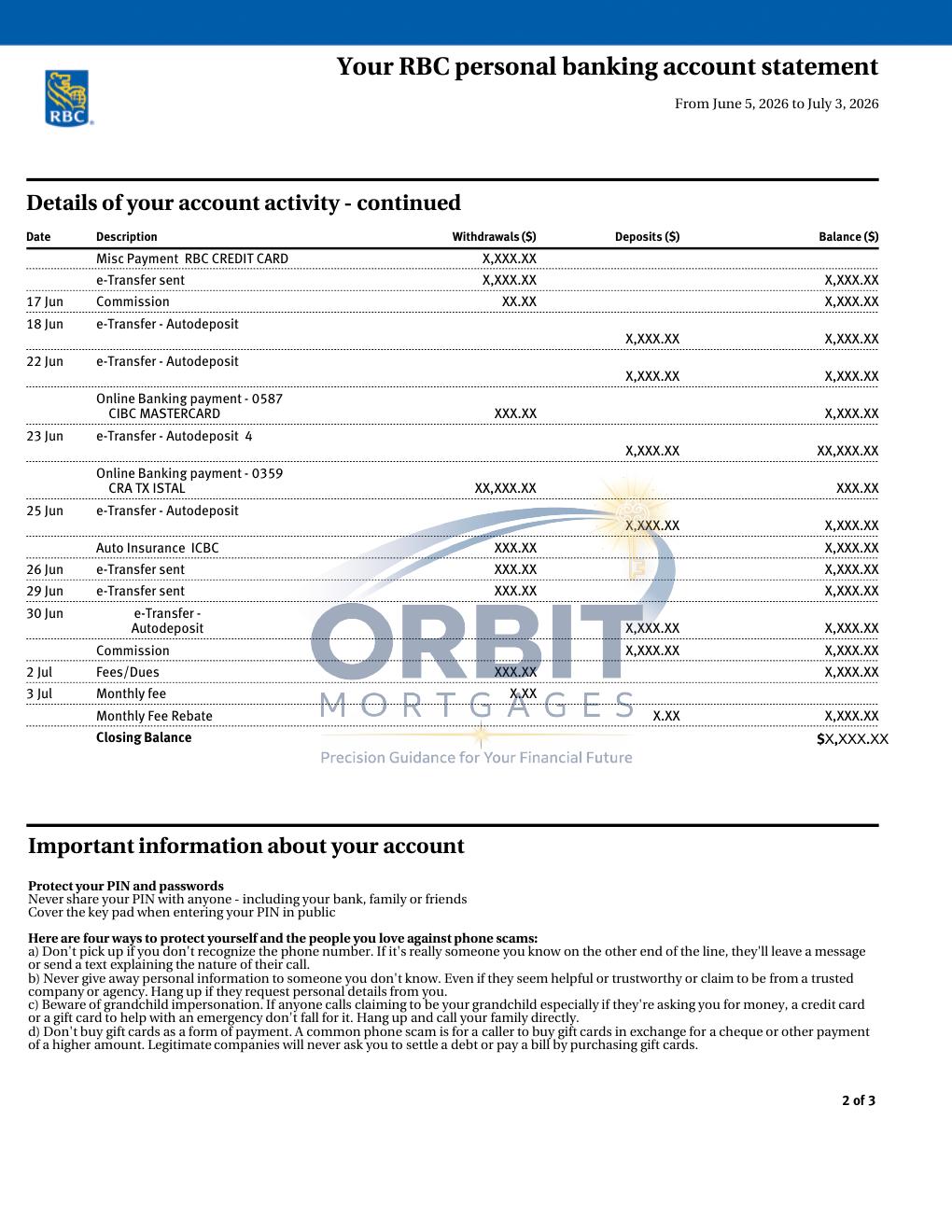
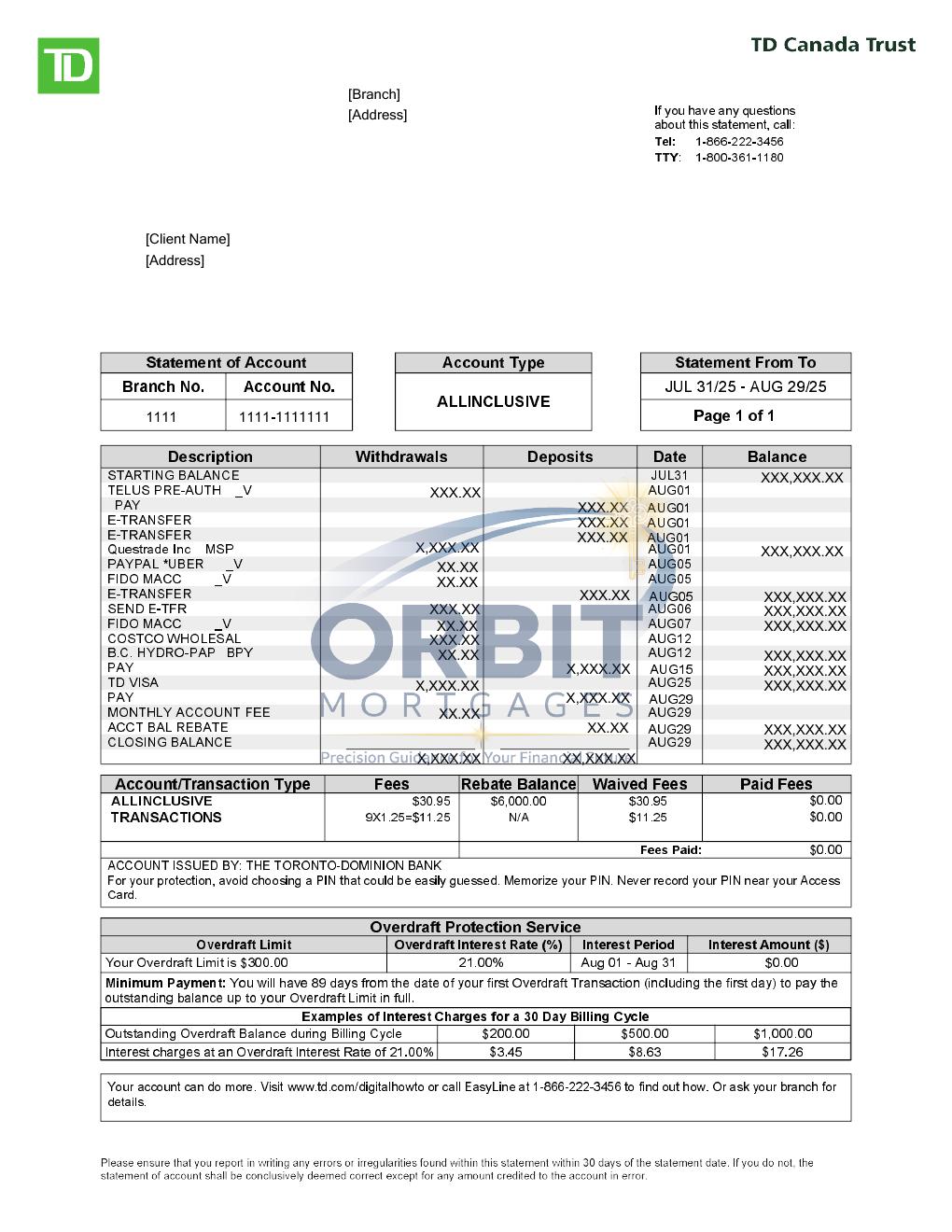
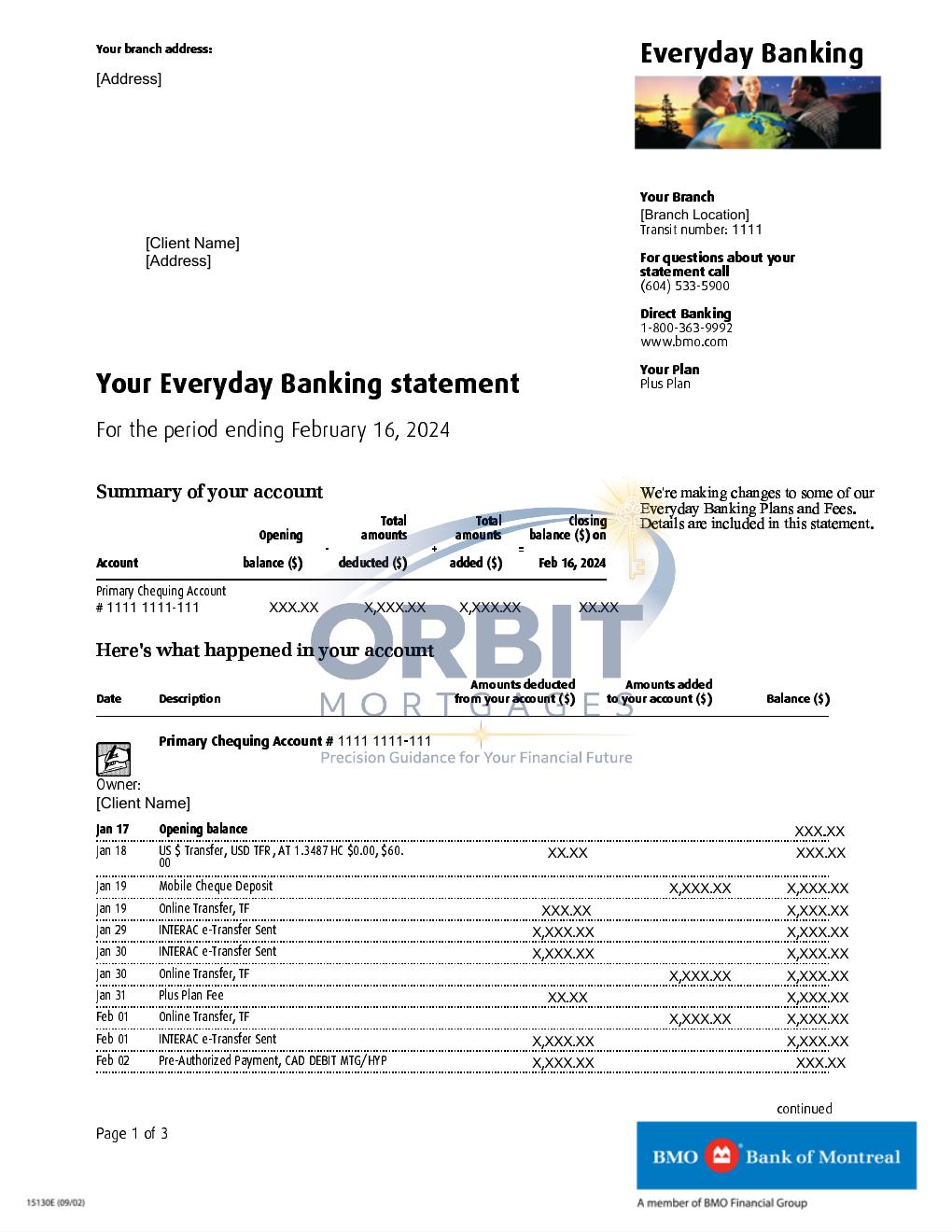
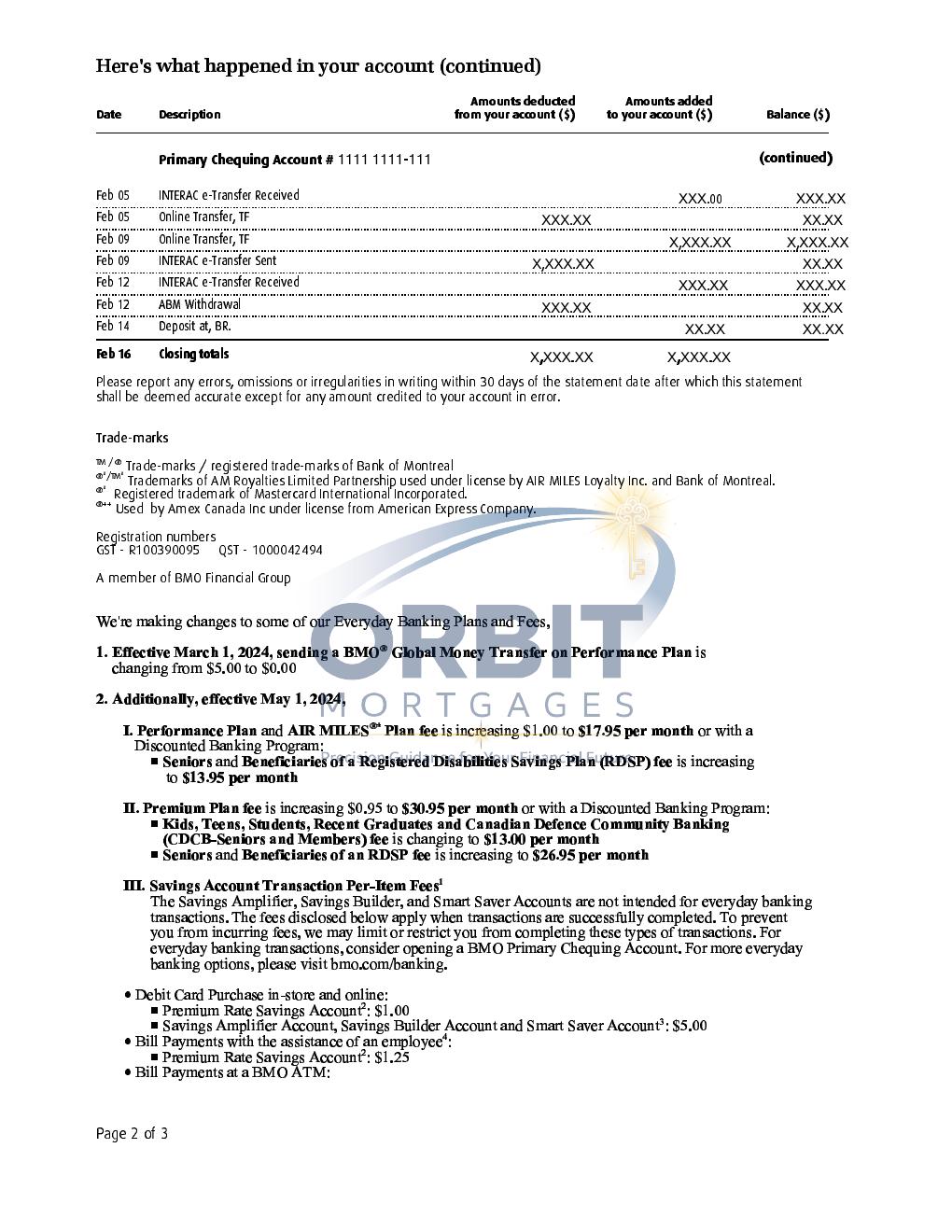
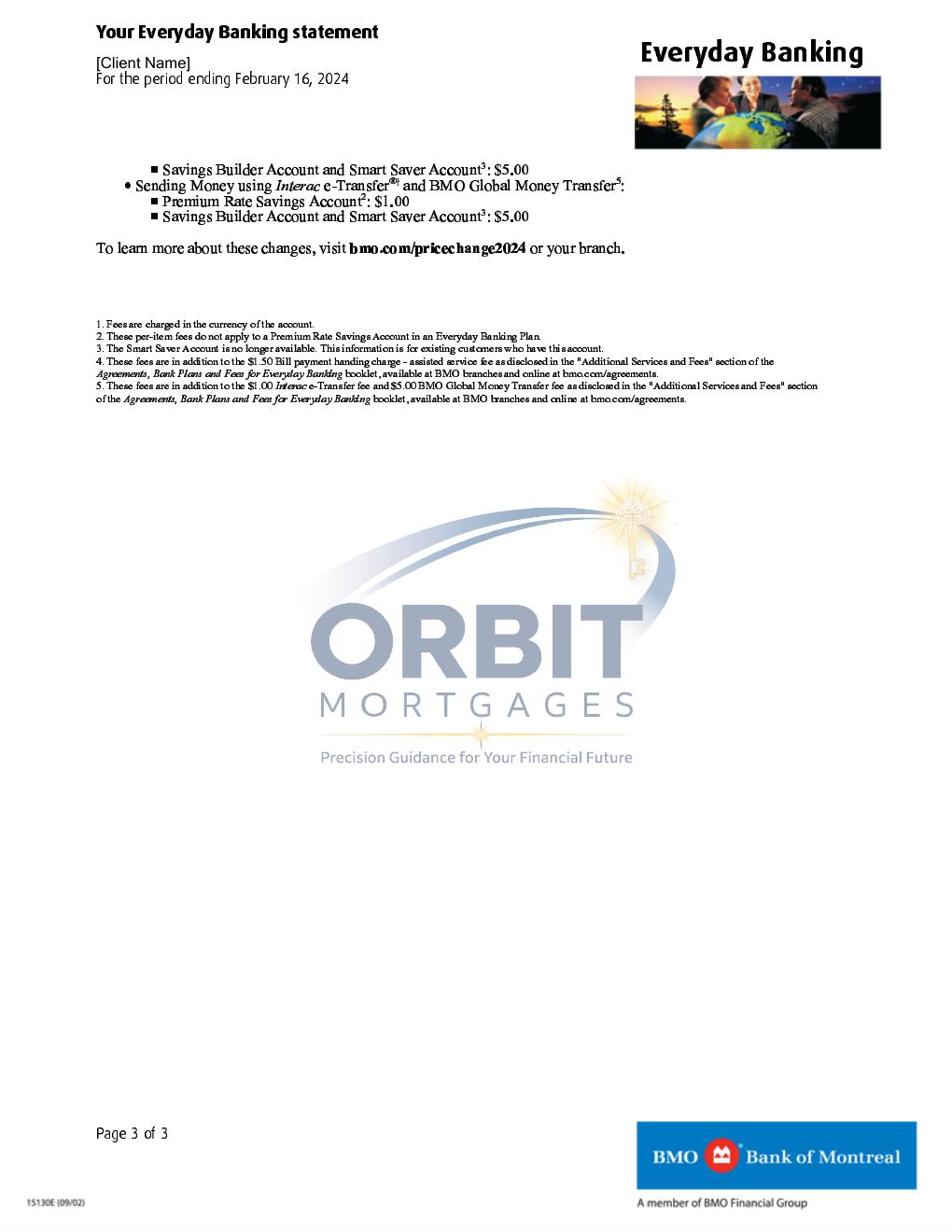
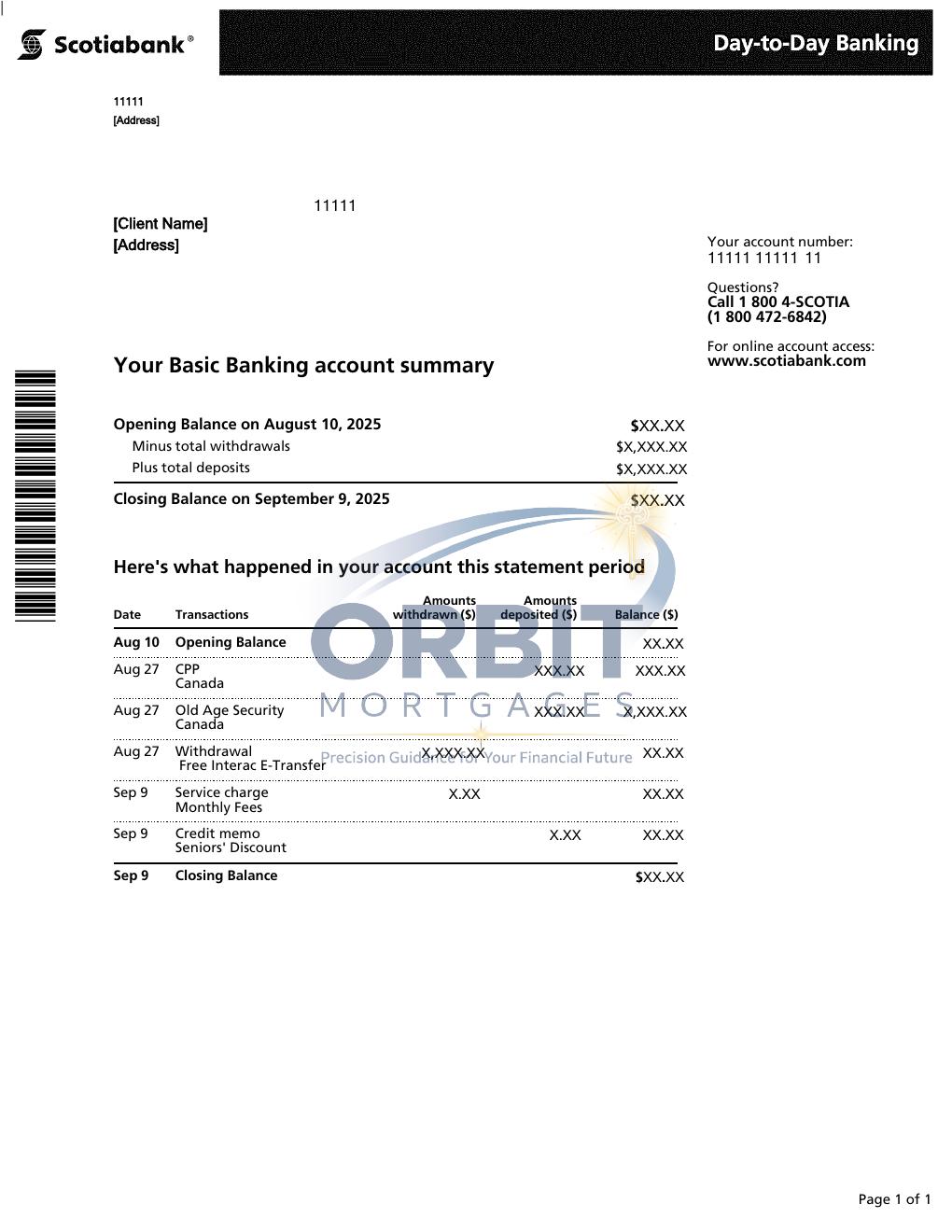
Bank statement layouts vary by institution. Select a bank below to see a recognizable example and compare it with the statement in your own online banking.
Key information to verify
Account holder name
Bank / institution
Statement period
Account number
Opening / closing balance
Transaction history
Large deposits / transfers
Select your bank. The exact layout may vary by account type and statement year, but the examples below show the identifying layout and fields commonly found on each bank's statement.
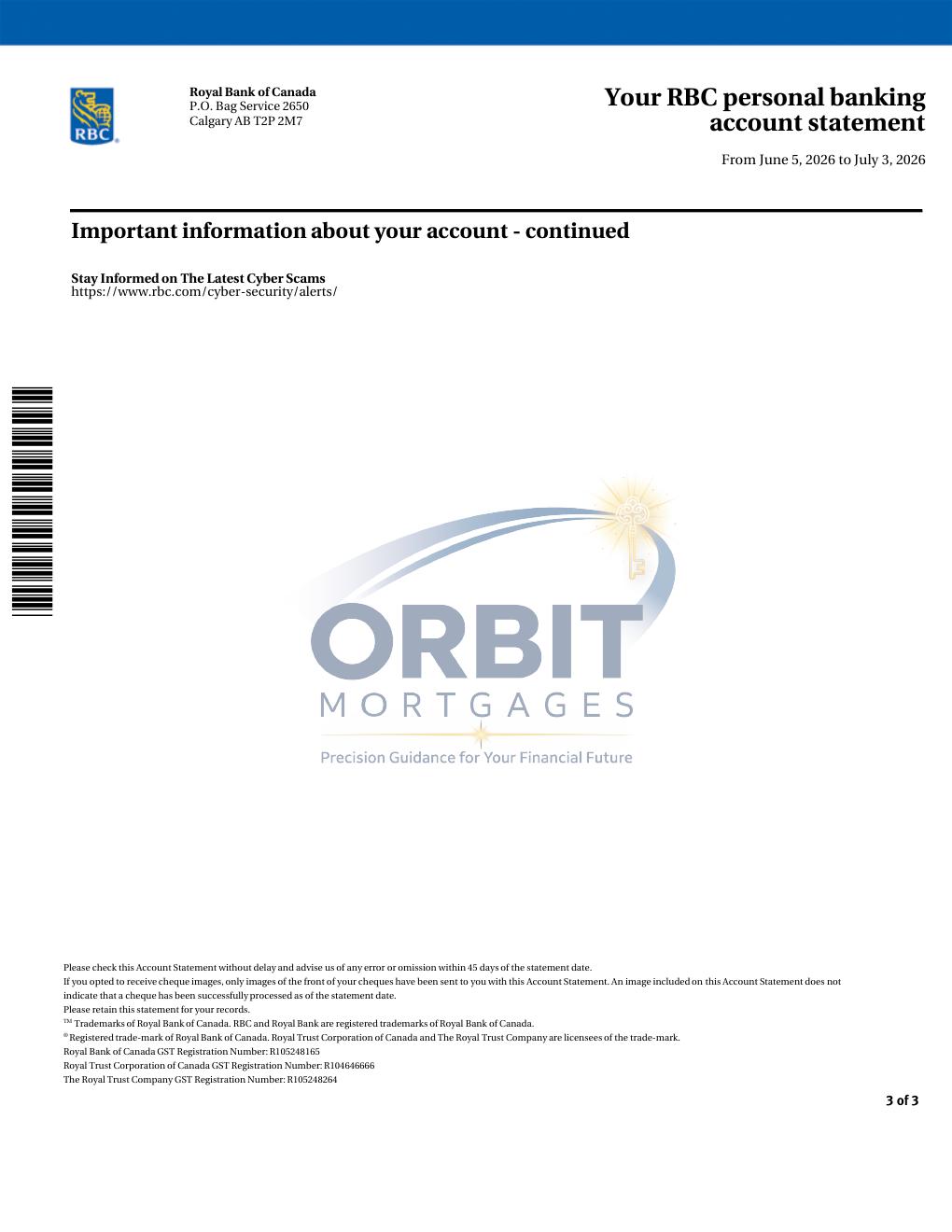
RBC Royal BankLook for the blue RBC branding, “Your account statement” heading, account summary and account activity table.
TD Canada TrustLook for TD's green branding, statement/account summary area and transaction details.
BMOLook for the “Everyday Banking statement” heading, account summary and dated transaction table.
ScotiabankLook for Scotiabank's red branding, account identification, balance information and transaction activity.
Samples are provided to help identify the document and its common fields. Statement appearance can vary by account type, delivery method and institution updates.